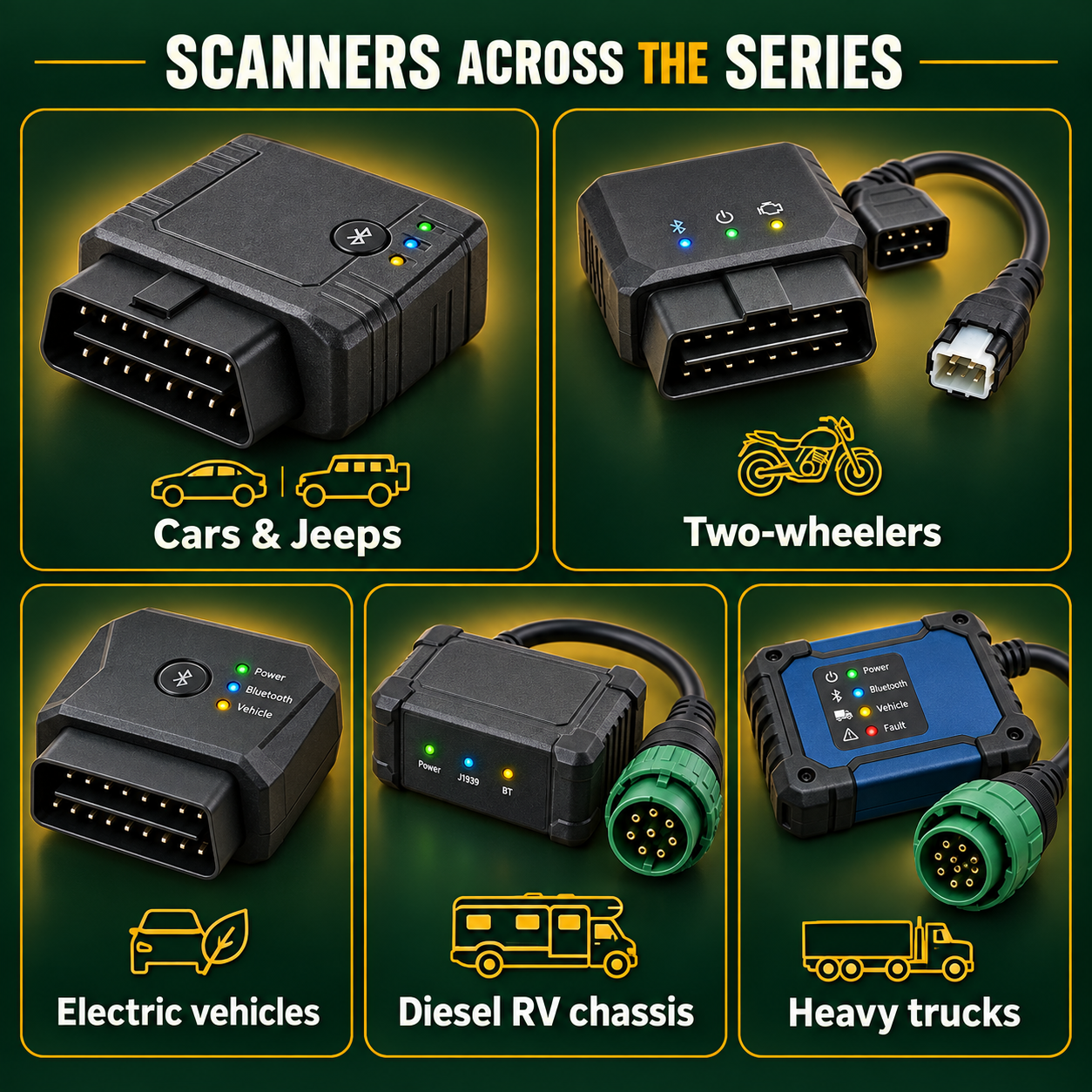
Different vehicles. Different diagnostic interfaces.
Use a compatible Bluetooth or heavy-duty diagnostic interface to collect evidence, not to replace a diagnosis, prove safety, or authorize a repair.
Illustrative and educational only. Dimensions are approximate examples, not purchasing specifications. Compatibility, accessible modules, code definitions, legal requirements, and safe procedures vary by vehicle, model year, region, adapter, and application.
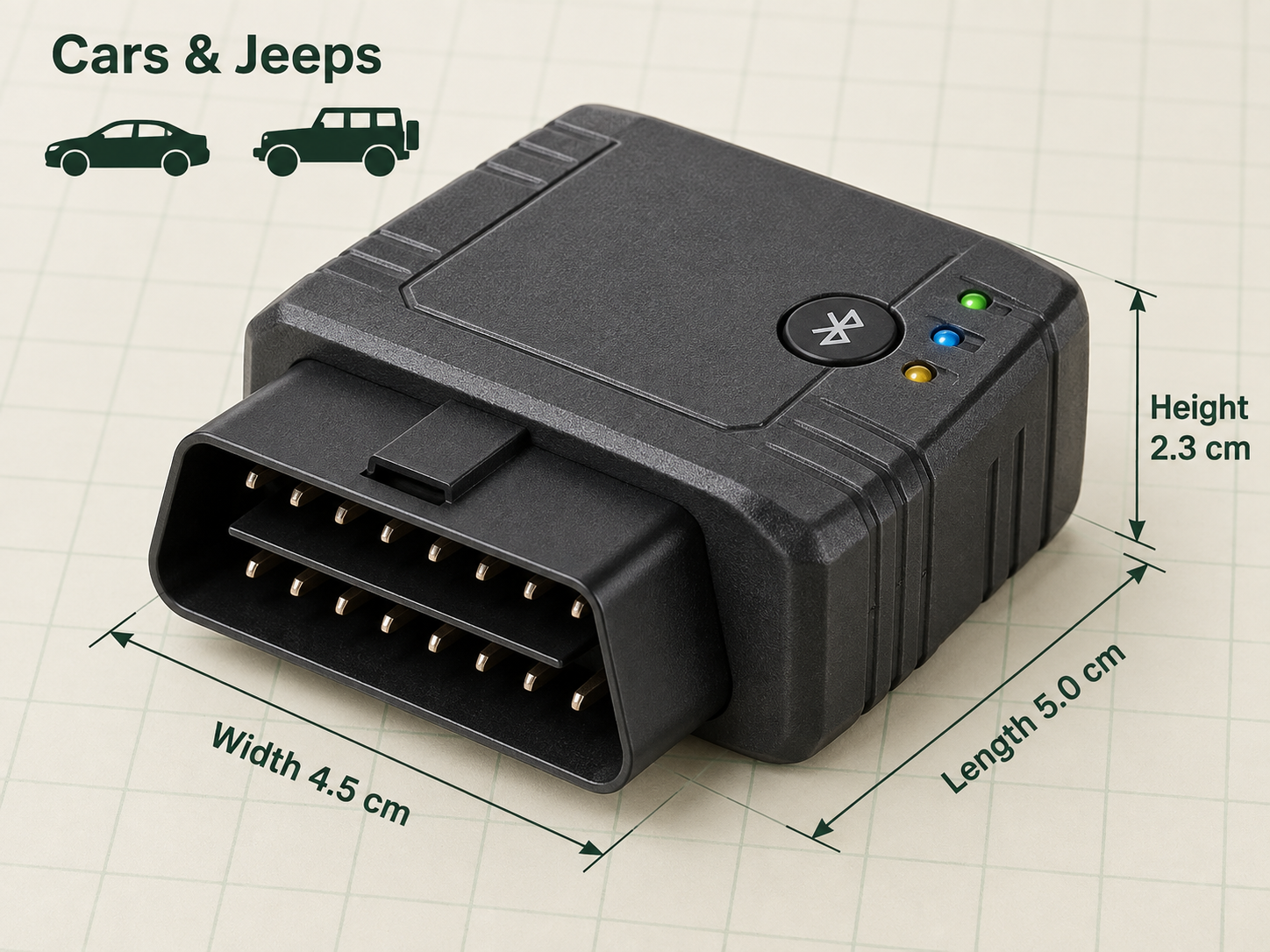
Cars and SUVs
Cars and SUVs: use the right interface within its limits
Use standardized powertrain evidence as one input alongside symptoms, records, a physical inspection, and vehicle-specific service information.
Confirm the adapter and app support the vehicle
Scan while parked and record stored, pending, and permanent status
Capture freeze-frame and readiness before clearing
Compare evidence with symptoms and history
Escalate safety-critical or unresolved conditions
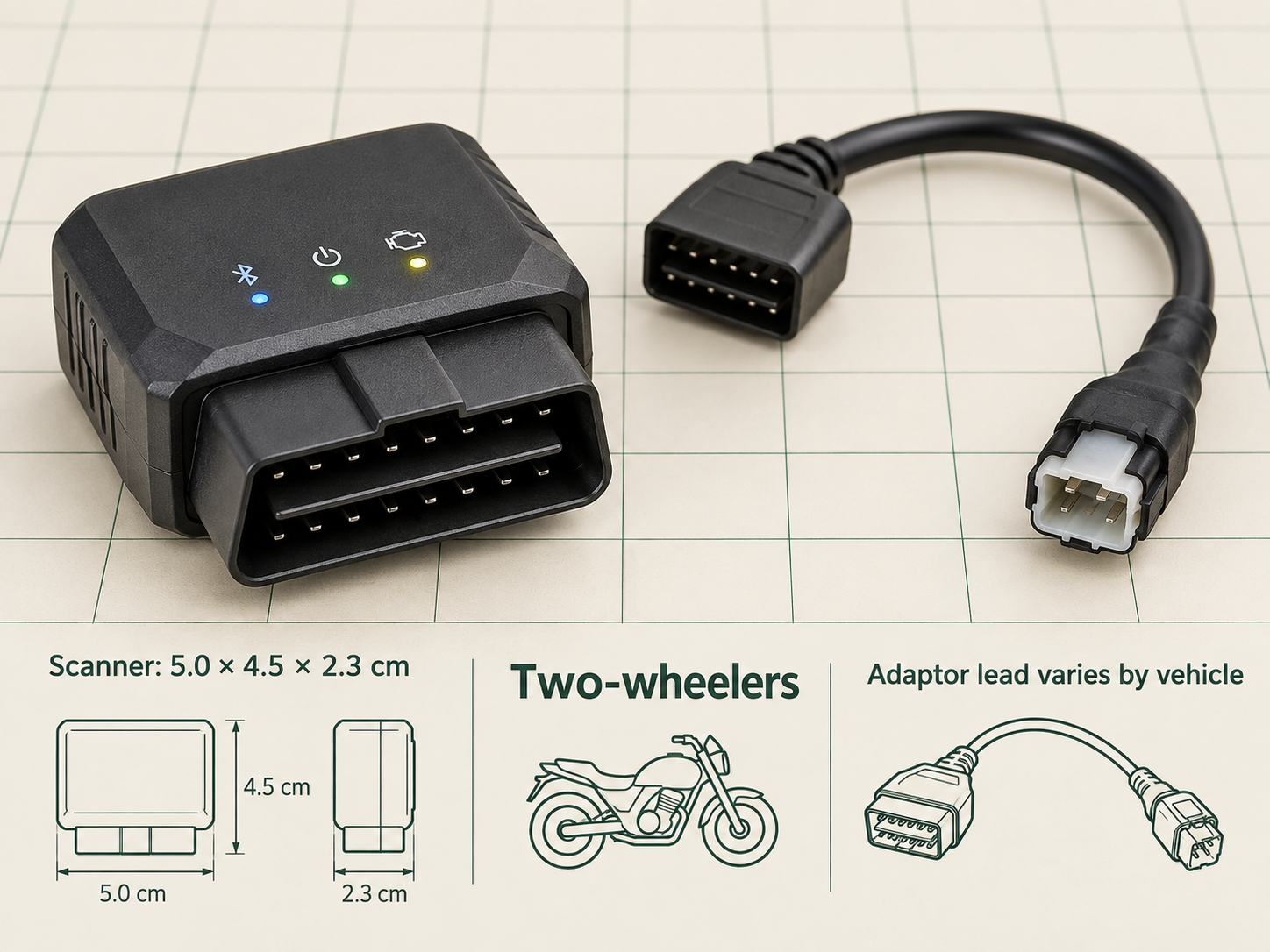
Motorcycles
Motorcycles: use the right interface within its limits
Connector shape, protocol, adapter leads, and manufacturer service-code access vary widely. Generic car coverage must not be assumed.
Confirm the correct connector and lead
Obtain owner or rental permission
Record charging voltage and stored service codes
Inspect vibration-prone connectors physically
Use model-specific service information
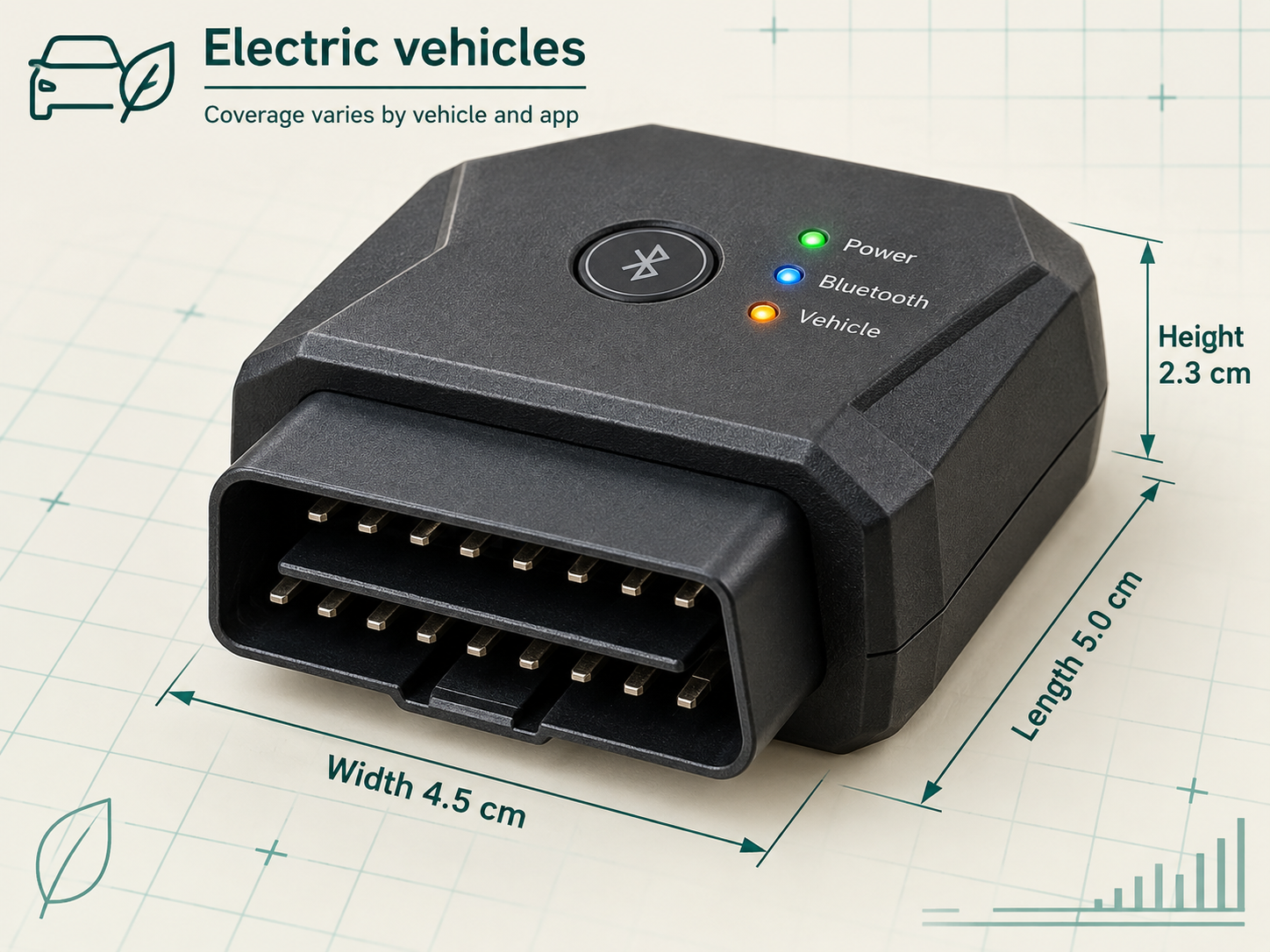
Electric vehicles
Electric vehicles: use the right interface within its limits
A generic scanner may expose emissions or gateway information but not traction-battery health, isolation status, or every high-voltage module.
Confirm EV-specific coverage
Never work on high-voltage systems without qualification
Record charging, temperature, and range context
Treat gateway codes as starting points
Escalate isolation, smoke, heat, or red warnings
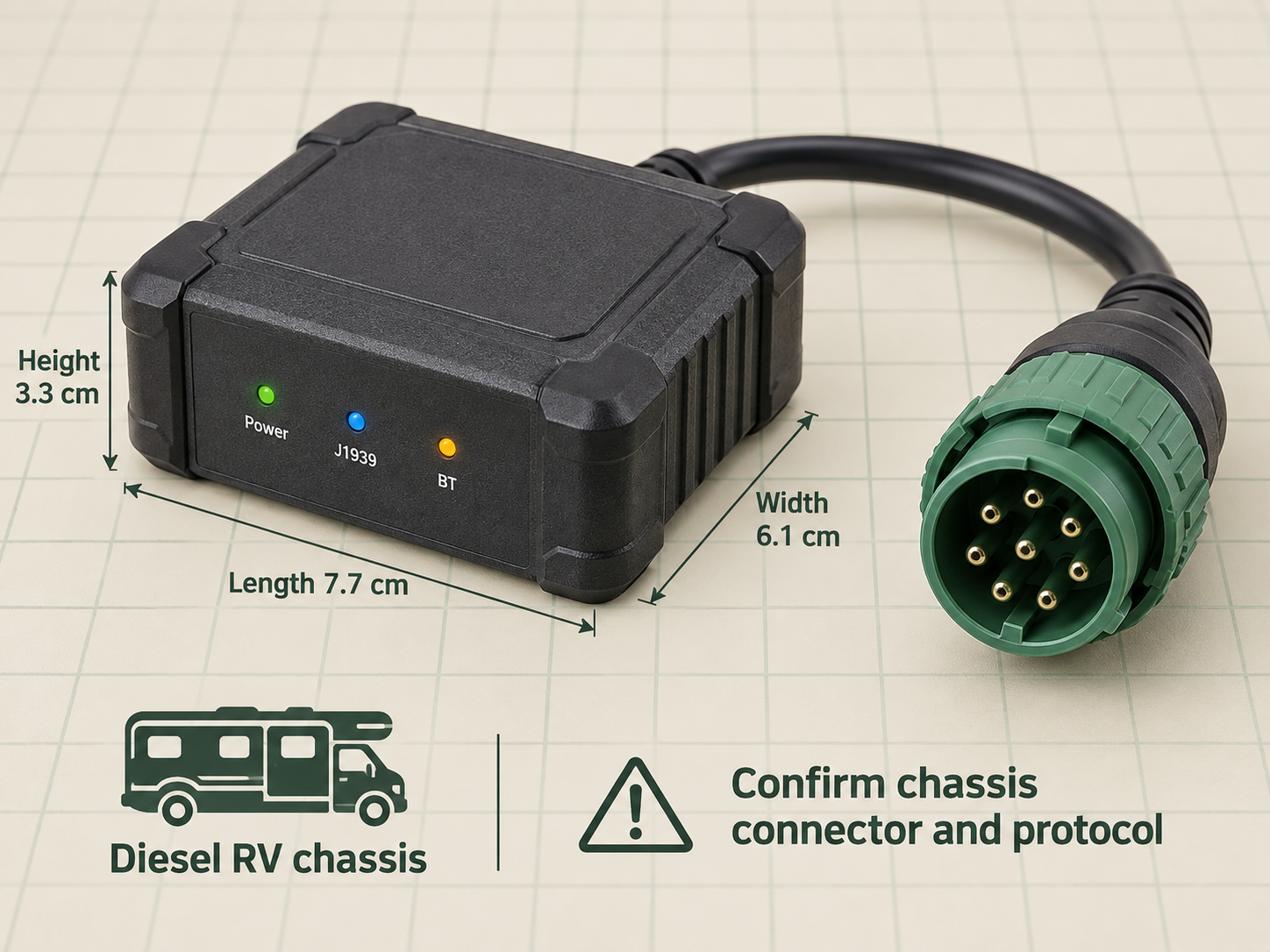
RVs
RVs: use the right interface within its limits
The chassis diagnostic network does not assess roof, plumbing, propane, house batteries, weight compliance, or living-space condition.
Separate chassis and house systems
Record handover and owner permission
Scan only while safely parked
Compare coolant and voltage under known conditions
Inspect non-diagnostic systems separately
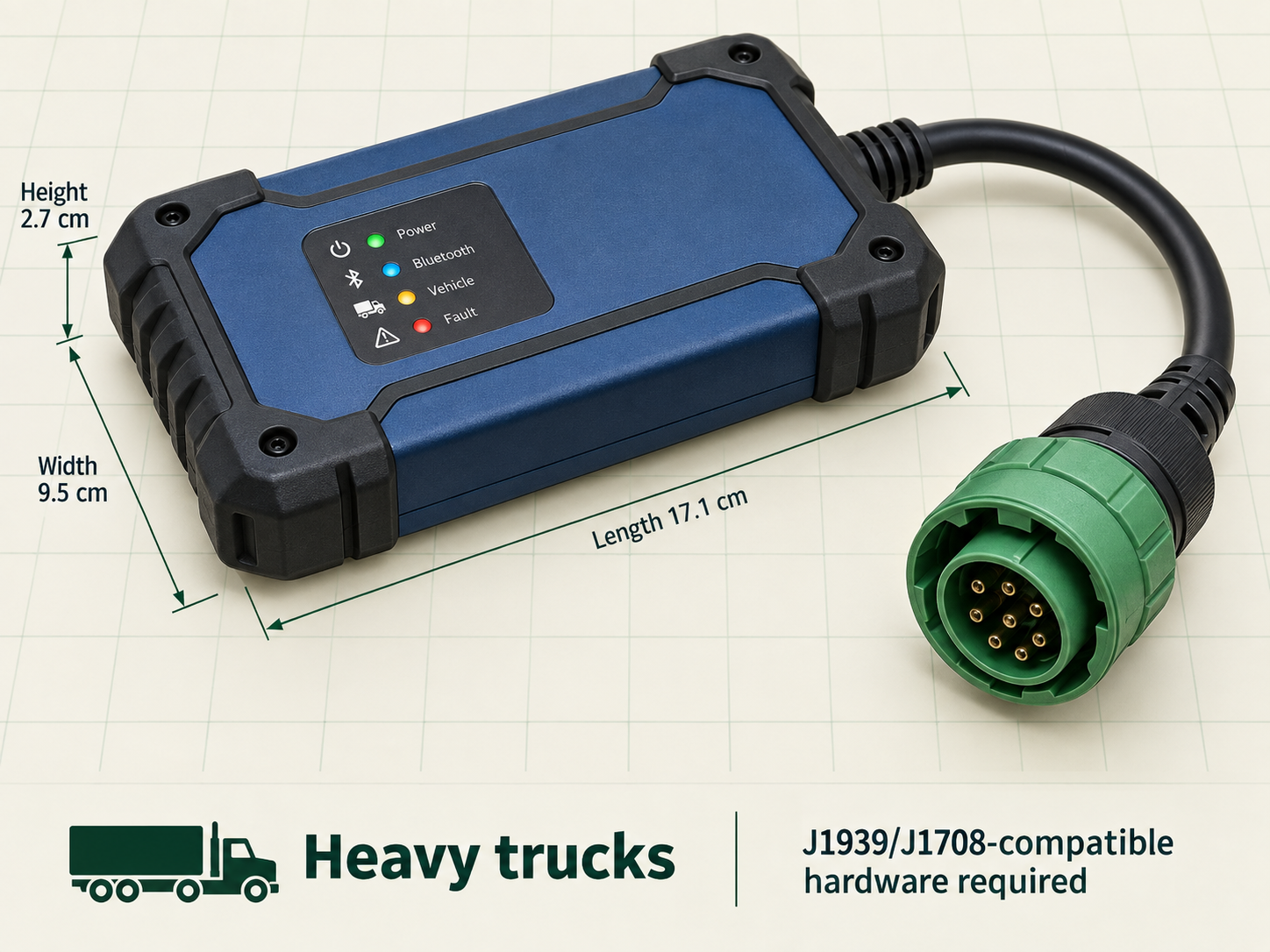
Heavy trucks
Heavy trucks: use the right interface within its limits
Heavy vehicles often use J1939 SPN/FMI information and 9-pin connectors. Five-character passenger-car codes are not interchangeable.
Use compatible heavy-duty hardware
Record engine and idle hours
Preserve aftertreatment history
Compare readings under similar loads
Use qualified heavy-duty service support
Tractors
Tractors: use the right interface within its limits
Agricultural machines may expose engine and aftertreatment data through manufacturer-specific or heavy-duty interfaces, but coverage varies by model and attachment.
Confirm port, protocol, and authorization
Compare ECM hours with displayed hours
Record load, temperature, soot, and regeneration context
Inspect hydraulics and attachments separately
Verify findings with agricultural service information
Regional and rental contexts
Regional and rental contexts: use the right interface within its limits
Inspection, emissions, privacy, rental, and roadworthiness rules differ by jurisdiction. The website does not determine legal compliance.
Confirm local rules and rental terms
Obtain explicit permission
Preserve time-stamped handover evidence
Avoid clearing data before inspection
Use local qualified support when uncertain
Three boundaries
What the reading can and cannot establish
It can record
Supported codes, status, readiness, freeze-frame, and selected live parameters.
It cannot prove
That a named part failed, a repair is required, or the vehicle is safe to operate.
It should support
A documented inspection, a qualified diagnosis, or a better-informed maintenance conversation.